What Does the Padlock Mean and Are You Really Safe?

The Padlock: What It Actually Means
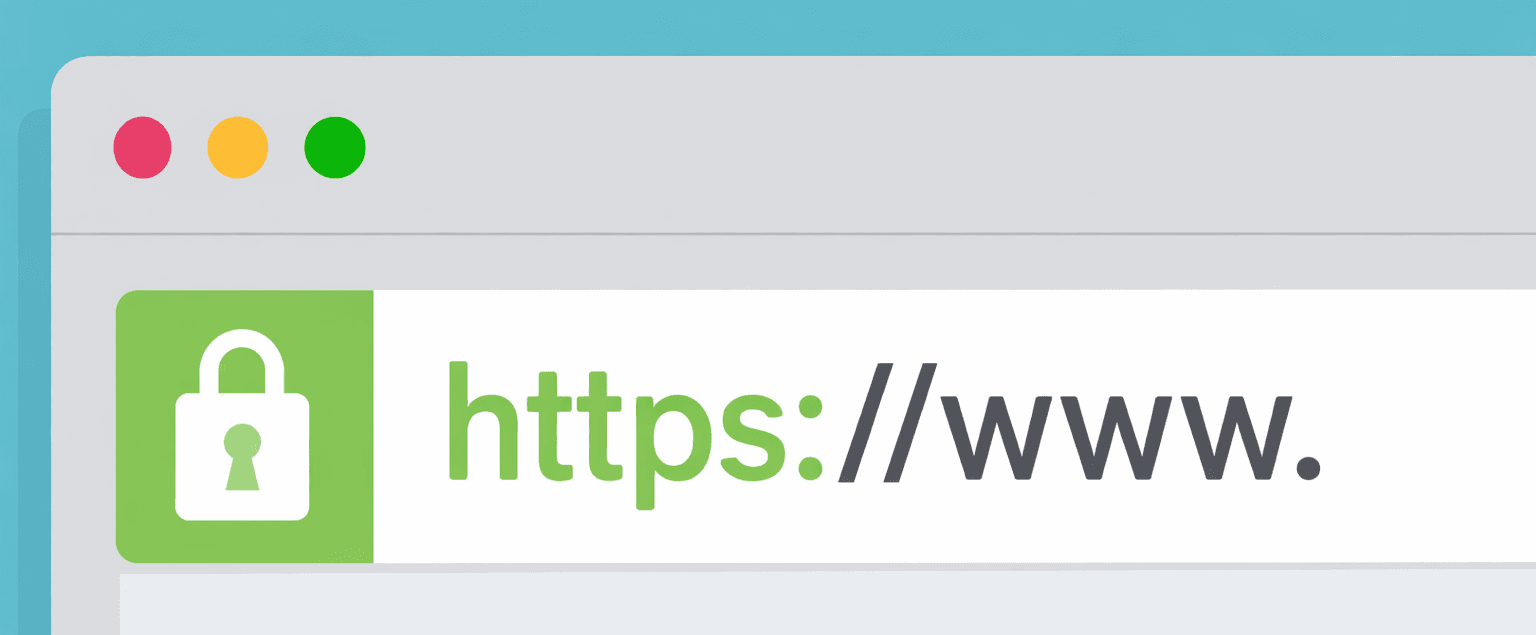
When you visit a website and see that little padlock icon next to the URL, it means the connection between your browser and the website is encrypted. But here's the thing: that padlock is often misunderstood. Many people think it means "this site is trustworthy and safe," but it doesn't have any bearing on the information actually displayed.
The padlock means: Your communication with the website is encrypted and private.
That's it. It doesn't mean the site itself is legitimate, the content is accurate, or that you're safe from scams.
What Is HTTPS?
HTTPS stands for HyperText Transfer Protocol Secure. It's the secure version of HTTP (the standard protocol for transferring data across the web).
The "S" means that it adds a layer of encryption using SSL/TLS (Secure Sockets Layer / Transport Layer Security). When you connect to an HTTPS site, the data traveling between your computer and the server is encrypted, making it unreadable to anyone intercepting it.
How HTTPS Works
- Handshake: Your browser connects to the server and they establish a secure connection
- Certificate Exchange: The server presents a digital certificate proving its identity (meaning it has registered with a certificate authority, but note that is not the strictest standard of authenticity)
- Encryption: Your browser and the server agree on encryption keys
- Secure Communication: All data transmitted is encrypted with those keys
What HTTPS Protects
Encryption of Data in Transit
HTTPS protects your data from being read while it travels over the internet. Without HTTPS:
- Someone on your WiFi network could see your login credentials
- Your Internet Service Provider (ISP) could see every site you visit and what you're searching for
- A hacker intercepting your connection could steal sensitive information
- Passwords and credit card numbers could be captured
With HTTPS, this data is encrypted, making it useless to anyone who intercepts it. This means that if you are on a public wifi and others are sharing the internet connection, your data is still safe.
Authentication
HTTPS verifies that you're communicating with the website you think you are. The digital certificate confirms the site's identity, reducing (but not eliminating) the risk of phishing attacks where a fake site impersonates a real one.
Data Integrity
HTTPS ensures data hasn't been altered in transit. If someone tries to modify the data while it's traveling, both the server and client will know.
What Could Happen on an HTTP Site
Without that secure encypted connections there are many ways an attacker or even internet providers could take adventage. This is especially important before you are browsing the web in a cafe or on any shared internet.
Man-in-the-Middle (MITM) Attacks
An attacker positioned between you and the server can:
- See everything you type (passwords, messages, search queries)
- Modify the content you're viewing
- Inject malicious code into web pages
- Steal your session cookies and impersonate you
Credential Theft
Your login credentials travel in plain text. Anyone on the network can capture them.
Session Hijacking
An attacker can steal your session token and act as you without even knowing your password.
Internet Service Provider (ISP) and Network Monitoring
Your ISP can see everything you do on the site. This might be used for:
- Targeted advertising
- Throttling specific services
- Data collection and sale
- Network filtering or censorship
Domain Name Server (DNS) Spoofing
An attacker can redirect your connection to a fake site, and without HTTPS verification, you might not realize it.
What HTTPS Still Does NOT Protect
This is where people often get confused. HTTPS still has limitations to its security as well.
1. It Doesn't Protect You from Bad Actors Running the Website
If a website itself is a scam or malicious, HTTPS won't save you. A phishing site can have HTTPS. A scam store can have HTTPS. The padlock doesn't mean the people running the site are trustworthy.
2. It Doesn't Protect Your Data Once It's Gotten to the Website Server
HTTPS encrypts data in transit, but once the server receives it, that's up to them. If they store your password in plain text (which is terrible practice), encryption during transmission doesn't help.
3. It Doesn't Hide What Websites You Visit
While HTTPS encrypts what you do on a website, your ISP and network administrator can still see that you visited amazon.com, yourbank.com, or any other domain. They just can't see what you searched for or which products you looked at.
4. It Doesn't Protect You from Tracking
HTTPS doesn't stop cookies, tracking pixels, or analytics from tracking your behavior across sites. Companies can still build profiles of your browsing habits. This is something I will be making another post about in the future.
5. It Doesn't Verify the Certificate is Actually Valid
While your browser checks the certificate, users often ignore security warnings. If you see a "certificate error" and click through anyway, you've lost that protection. Also a site could possibly get a valid certificate for a craftily spoofed website. Be sure to check the domain urls thoroughly and be sure you navigate to where you expect.
6. It Doesn't Protect Against Malware
An HTTPS site can still host malware or malicious scripts. The encryption protects the communication, not the content itself. To prevent getting malware, use websites you trust and don't click buttons or download anything unless you have done some due diligence to verify the site.
Red Flags: What You Should Never Trust
Even on HTTPS sites, stay alert for these red flags:
- Urgency and threats: "Your account will be closed!" "Verify now!"
- Requests for sensitive info: Legitimate companies rarely ask for passwords or full SSNs via email or pop-ups
- Misspelled domains:
amaz0n.cominstead ofamazon.comoryourbank.coinstead of.com - Generic greetings: "Dear Customer" instead of your name
- Unsolicited contact: Out of the blue emails asking you to "confirm" information (Don't confuse this with one time codes or magic links to sites you have just visited, that is to be expected).
- Too good to be true: Free money, prizes, or offers with no catch
- Strange formatting: Broken English, odd fonts, or misaligned logos
Best Practices
For Users
- Always look for HTTPS (the padlock), especially on login pages and checkout
- But don't assume HTTPS means the site is trustworthy, verify domain names carefully
- Use strong, unique passwords
- Enable two-factor authentication where available
- Be skeptical of urgent requests for sensitive information
- Keep your browser and antivirus software updated
- Avoid public WiFi for sensitive transactions, or use a VPN
For Website Owners
- Use HTTPS everywhere, not just on login pages
- Use valid certificates from trusted certificate authorities
- Keep your certificates up to date
- Implement security headers (HSTS, CSP, etc.)
- Don't rely on HTTPS as your only security measure
- Implement proper server-side security practices
- Validate and sanitize all user input
- Use strong password hashing and storage practices
The Bottom Line
HTTPS is essential and important. It protects your data from being intercepted and read by third parties. The padlock is a good sign.
But it's not a complete security solution. HTTPS protects the transmission of data, not the trustworthiness of the website itself or what happens to your data once it's received.
Think of HTTPS like a secure envelope for your mail. It keeps someone from opening your letter while it's in transit, but it doesn't guarantee the person receiving it is honest or won't misuse the information inside.
Always combine HTTPS with critical thinking, strong passwords, two-factor authentication, and healthy skepticism. A padlock is a good start, but your security is a layered defense, not a single padlock.
References
- Open Web Application Security Project (OWASP) – "Transport Layer Protection Cheat Sheet"
- National Institute of Standards and Technology (NIST) – "Guidelines for TLS Implementations"
- Electronic Frontier Foundation (EFF) – "HTTPS Everywhere"
- Mozilla – "What is HTTPS?"