Why You Might Not Need to Remember Passwords Anymore

The Problem With Passwords
Passwords have been the standard authentication method for decades. We all know the pain of choosing something "secure" yet memorable, managing dozens of them across different sites, resetting them when we forget them, and constantly worrying that our credentials have been compromised in yet another data breach.
The reality is that passwords are fundamentally flawed:
- Users reuse passwords across sites, making them attractive targets
- Weak passwords are easy to crack
- Strong passwords are hard to remember, so people write them down
- They're vulnerable to phishing attacks
- Data breaches expose millions of password hashes
This is where passwordless authentication comes in.
What Is Passwordless Authentication?
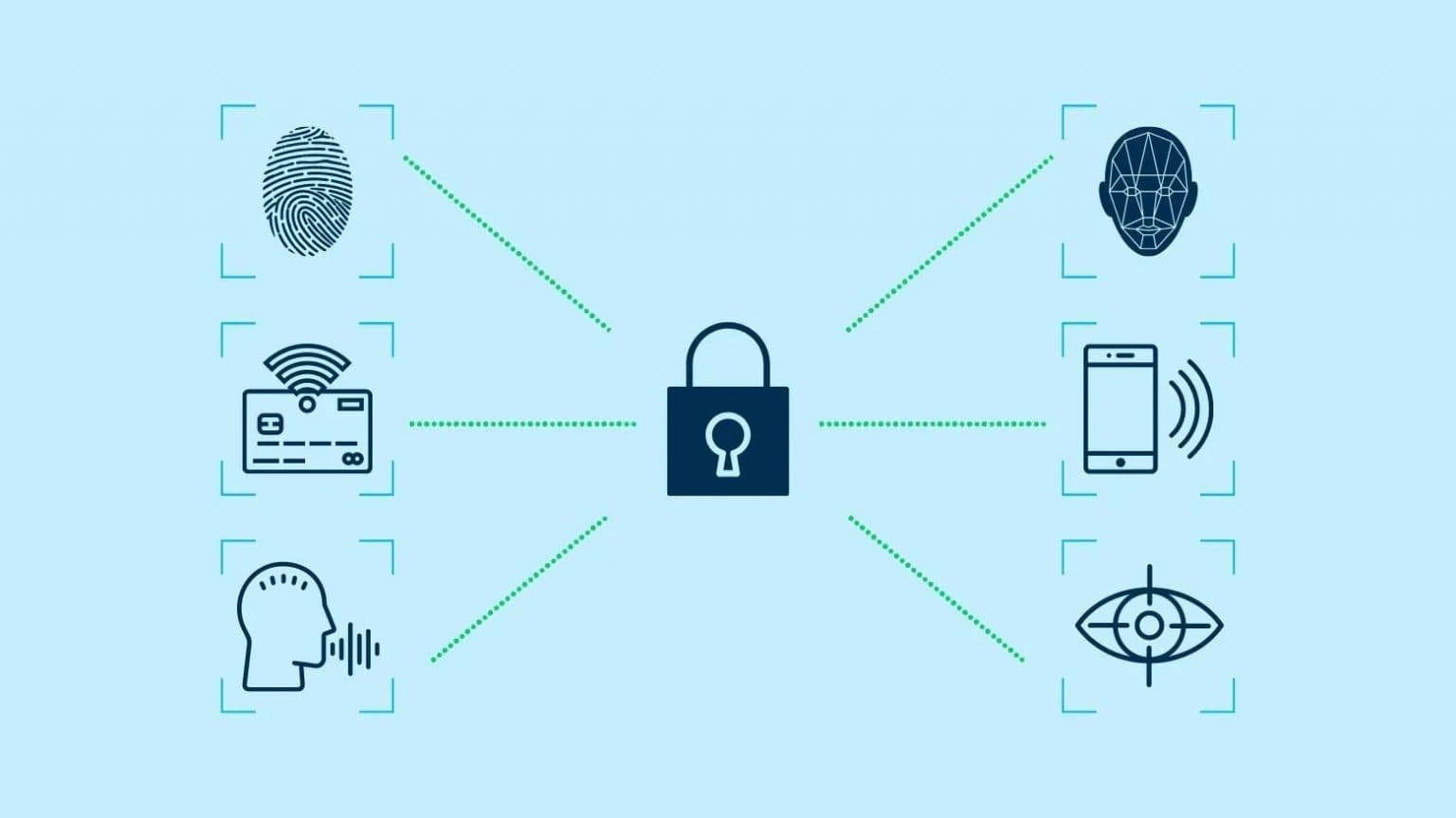
Passwordless authentication eliminates the need for traditional passwords entirely. Instead, users prove their identity through other means. Typically this is something they have (a device), something they are (biometrics), or something they know (but not a password).
Common Passwordless Methods
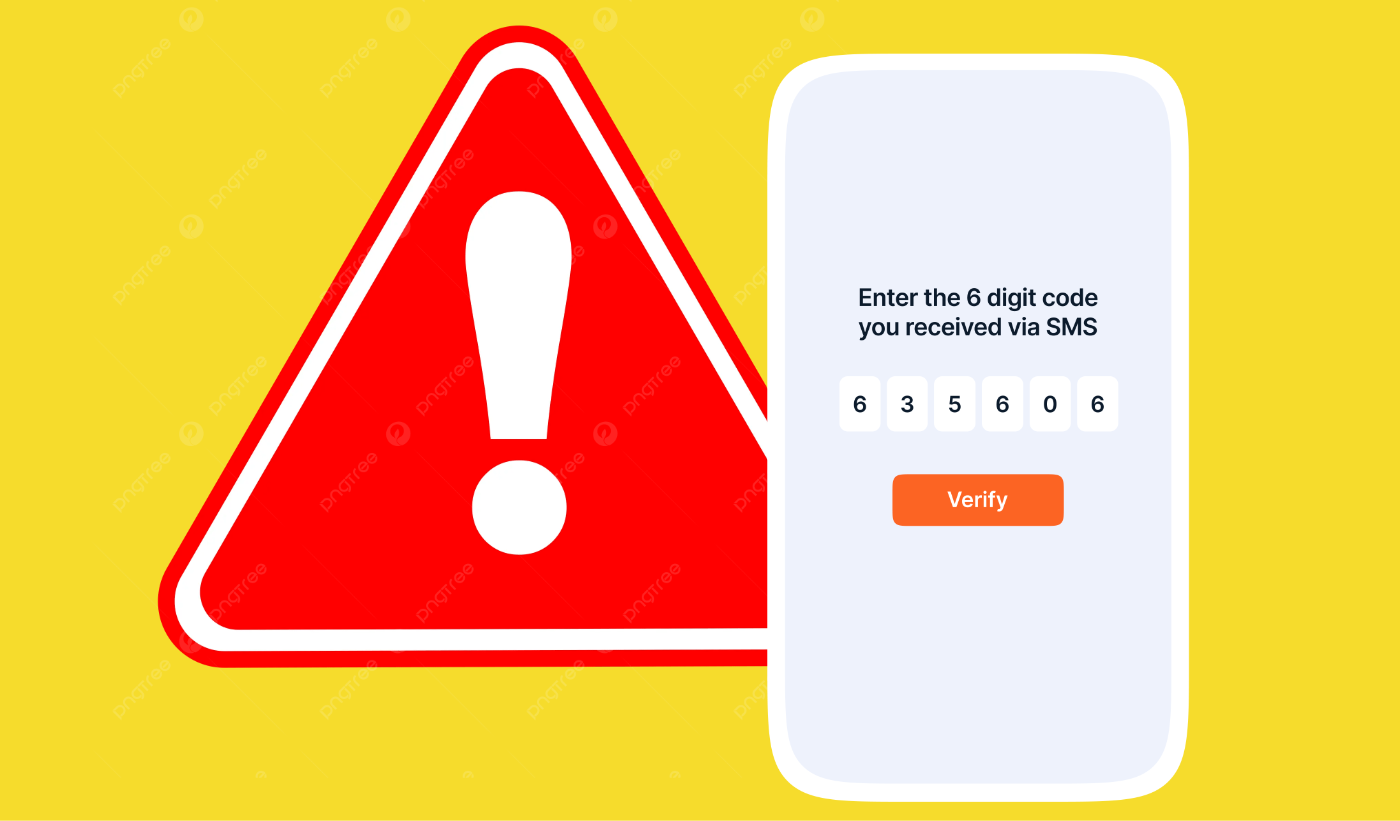
1. Magic Links & One-Time Codes
The most user-friendly approach: you enter your email address, and the service sends you a unique link or code valid for a short time window. Click the link or enter the code, and you're authenticated.
Pros: Simple, no setup required, works on any device Cons: Requires email access, still relies on the security of your email account
2. Biometric Authentication
Fingerprints, facial recognition, and iris scanning have become mainstream on smartphones and laptops. Apps and websites increasingly support these methods.
Pros: Fast, secure, convenient, unique to your body Cons: Privacy concerns, hardware requirements, can be spoofed with high-end attacks
3. Authenticator Apps
Apps like Google Authenticator, Microsoft Authenticator, or Authy generate time-based codes or push notifications for approval. These are more secure than SMS-based methods.
Pros: More secure than SMS, works offline, generates codes on your device Cons: Requires installation and setup, can be lost if your phone is stolen or reset
4. Hardware Security Keys
Physical devices (like YubiKeys) that use cryptographic protocols (FIDO2/U2F) to authenticate. You insert the key or tap it to your device. This would probably only be used for sensitive documents or work at this point.
Pros: Extremely secure, immune to phishing, cannot be remotely compromised Cons: Expensive, easy to lose, requires additional hardware
5. Device Recognition
Your device becomes your credential. After an initial setup, the service trusts your computer or phone and uses that as verification.
Pros: Seamless, very convenient Cons: Less secure if your device is compromised, doesn't protect against shared devices
Why Companies Are Adopting Passwordless Authentication
Security
The most compelling reason is security. Passwordless methods eliminate entire classes of attacks:
- No credentials to phish
- No passwords to crack or leak
- Harder to execute man-in-the-middle attacks (especially with public key cryptography)
Major breaches have made consumers security-conscious, and companies recognize the liability of storing password databases.
User Experience
Passwordless authentication is faster. No more struggling to remember complex passwords or waiting for password reset emails. Users can authenticate in seconds with their phone or a biometric scan.
Compliance & Standards
Industry standards like FIDO2 and WebAuthn have emerged, giving companies confidence in implementation. Regulators increasingly expect companies to move beyond passwords.
Reduced Support Costs
Fewer password resets = fewer help desk tickets. Companies save money on customer support and IT operations.
Mobile-First World
Smartphones come with built-in security hardware (fingerprint sensors, face cameras). Passwordless authentication leverages technology users already have.
The Pitfalls & Challenges
1. Device Dependency
You lose your phone? You're locked out. Unlike passwords (which you can remember), your authentication method might be gone.
Mitigation: Recovery codes, backup methods, trusted device management
2. Adoption Friction
Users are familiar with passwords. New authentication methods require education and setup. Many services still offer password fallbacks, which defeats some security benefits.
3. Email/Phone as a Single Point of Failure
Magic link and SMS-based passwordless authentication rely on email or phone access. If an attacker gains access to your email, they can reset passwords elsewhere or intercept magic links.
Mitigation: Enable 2FA on your email and phone account itself
4. Privacy Concerns
Biometric data is sensitive. If a company's biometric database is breached, you can't just change your fingerprint like you can a password. Centralized biometric systems raise privacy questions.
5. Implementation Inconsistencies
Not all passwordless methods are created equal. Some services implement WebAuthn correctly; others use weaker alternatives. Users need to understand what they're trusting.
6. Accessibility Issues
Biometric authentication doesn't work for everyone. People with certain disabilities may not be able to use facial recognition or fingerprint scanners.
7. Shared Device Problems
Family computers, shared work stations, or borrowed phones can complicate passwordless auth. Device-based methods don't protect you if someone else has access to your device.
8. Recovery Scenarios
What happens when things go wrong? Recovery processes must be:
- Easy enough that users can do them
- Secure enough that attackers can't abuse them
Many services struggle with this balance.
The Reality: It's Not Either/Or
The future likely isn't "passwords vs. passwordless". It's layered security. Most forward-thinking companies offer:
- Passwordless options as the primary method
- Passwords as a fallback
- Multi-factor authentication combining multiple methods
What You Should Do
If you're a user:
- Enable passwordless options where available
- Use biometrics on your personal devices
- Store hardware security keys in a safe place
- Keep backup recovery codes
- Secure your email account with 2FA
If you're a developer:
- Implement WebAuthn/FIDO2 support
- Offer multiple authentication methods
- Provide clear recovery processes
- Test accessibility
- Educate users about security
Conclusion
Passwordless authentication represents a genuine step forward in security and user experience. Magic links, biometrics, and security keys are becoming normalized, and for good reason. However, they're not a silver bullet and each method has tradeoffs, and the strongest security comes from defense in depth.
The transition away from passwords won't happen overnight, but we're already in the middle of it. The question isn't if passwordless will become standard, but when.
References
- National Institute of Standards and Technology (NIST) – Digital Identity Guidelines: Authentication and Lifecycle Management
- FIDO Alliance – "What is FIDO?"
- Open Web Application Security Project (OWASP) – "Authentication Cheat Sheet"
- Microsoft – "Passwordless Authentication"