How Your Credit Card Info Gets Stolen in 2026: Scenarios and Prevention

The Evolving Threat Landscape
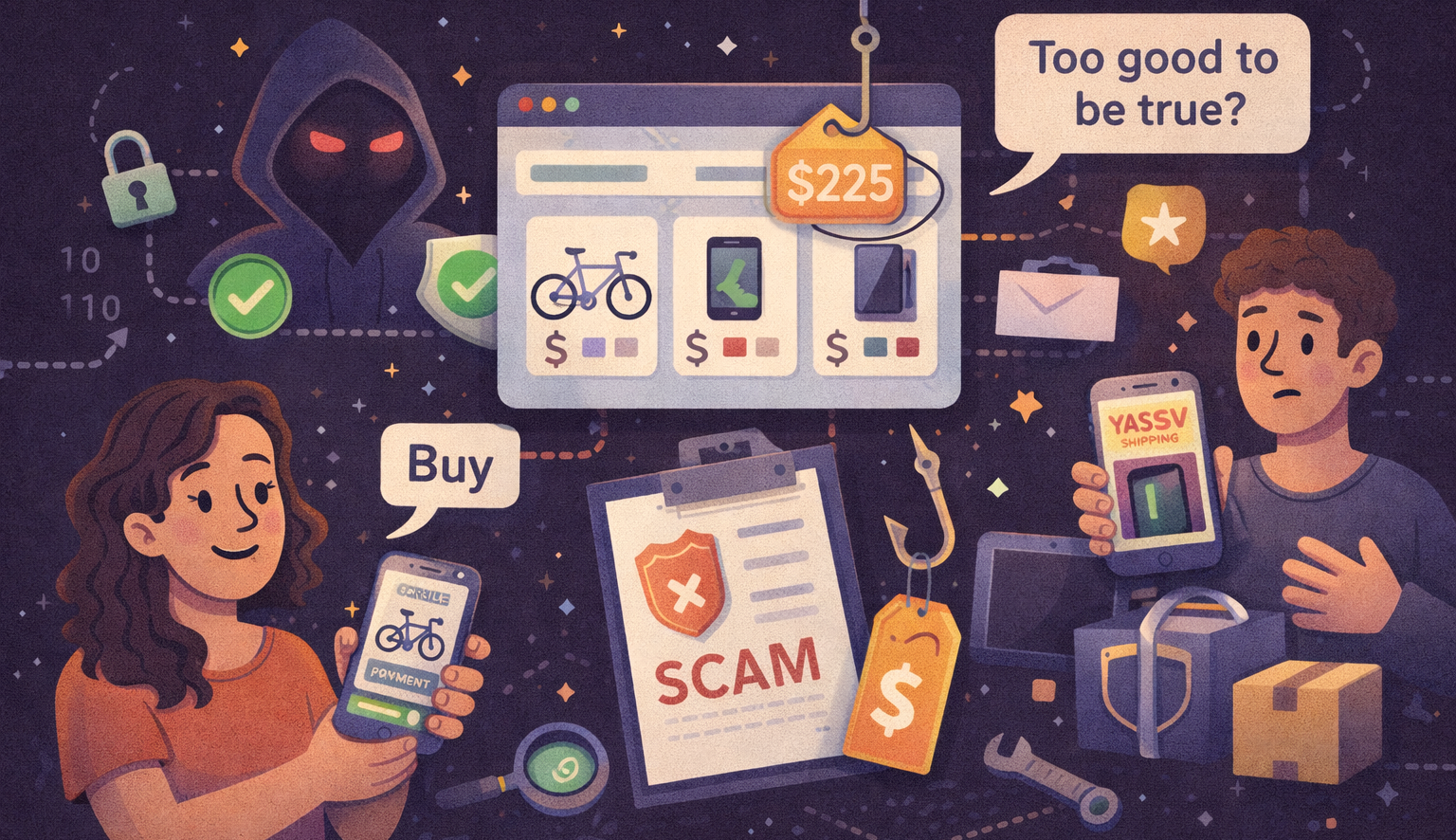
Your credit card is more exposed than ever. It's not just traditional skimmers and data breaches anymore. Thieves in 2026 are using AI, social engineering, and compromised supply chains to steal card information. Let's walk through the most likely scenarios and what you can actually do about them.
Scenario 1: AI-Powered Phishing
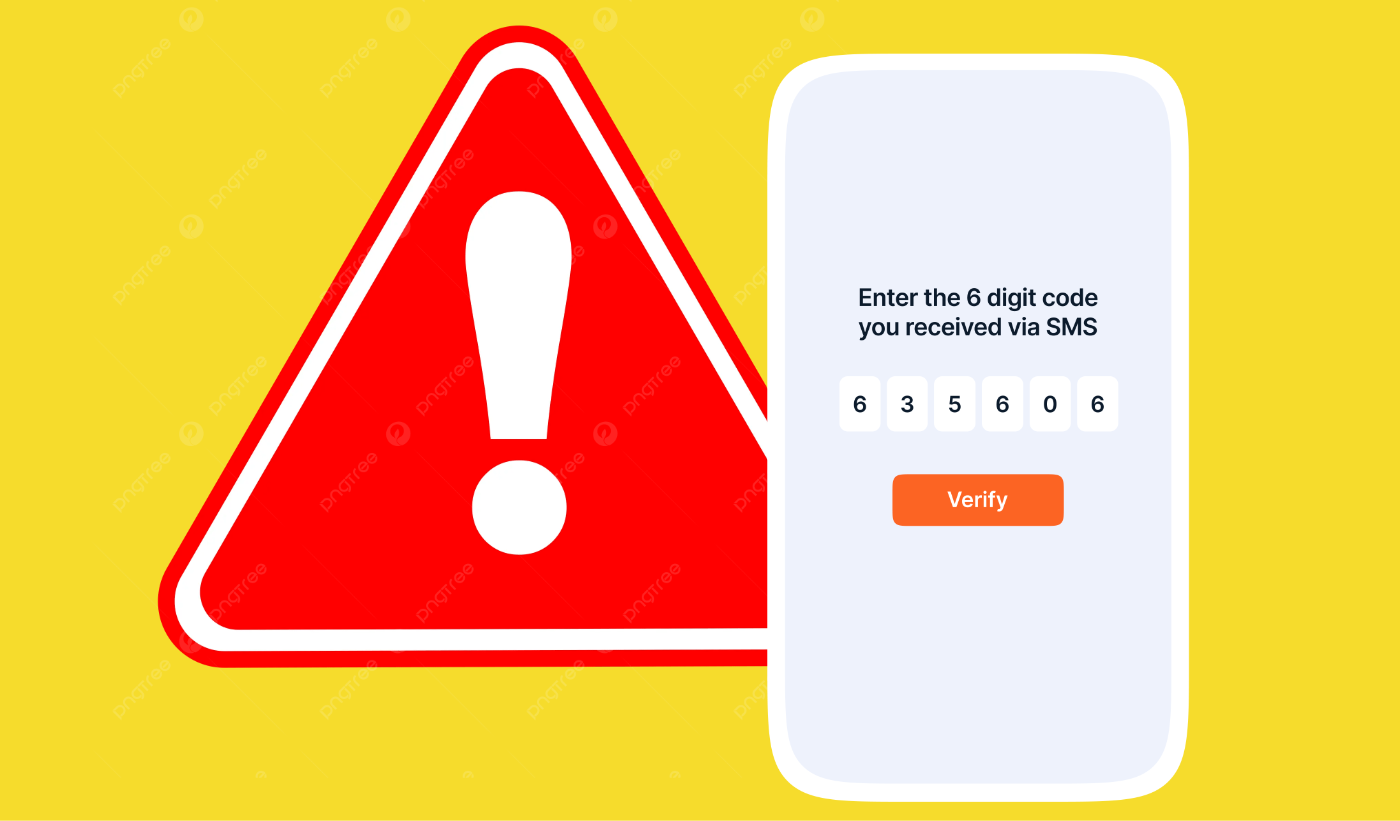
How it works: Scammers could use AI to create convincing phishing emails or smishing text messages that reference your real transaction history (stolen from past breaches). The message feels personal and urgent and could ask for you to confirm your banking information or credit card indo.
Why it's effective: Traditional phishing is obvious. AI-generated content is contextual and targets your specific patterns. It will try to make you feel urgent worry by scenarios such as notifying of a past due bill for a service you actually use or will make you think that you have fraudulent spending on an account.
Prevention:
- Never click links in unsolicited emails or texts; instead, go directly to your bank or the expected website
- Banks never ask for full card numbers via email or text, and if you are on a website, make sure the url is what you would expect
- Enable notification alerts for all card transactions (even small ones)
- If something feels off, hang up and call your bank directly using the number on your card
Scenario 2: Point-of-Sale (POS) System Breaches
How it works: Retail stores, gas stations, and restaurants could have compromised payment terminals. Hackers intercept data at the moment you swipe or insert your card. Unlike the past, modern attacks are more subtle. The terminals might look normal but could be infected with malware that captures card data.
Why it's increasing: Many small and medium-sized businesses haven't upgraded to chip readers or encrypted payment systems.
Prevention:
- Use contactless payment (Apple Pay, Google Pay, tap to pay with card) when possible because it doesn't transmit your full card number. It transmits a unique encrypted token that is processed by the payment processor and card network.
- Use chip readers instead of magnetic stripe (insert your card rather than swiping)
- Inspect the payment terminal for loose parts or signs of tampering
- Monitor your credit card statement weekly for unfamiliar charges
- Use virtual card numbers if your card issuer offers them (single-use numbers tied to your real card)
- Consider paying with cash at high-risk locations (gas pumps, ATMs in sketchy areas)
Scenario 3: E-Commerce and Account Takeover
How it works: Your password to an online retailer (Amazon, Target, Walmart, etc.) is compromised via data breaches or social engineering. Thieves log into your account, find your saved payment method, and place orders for high-value items shipped to accomplices.
Why it's common: People reuse passwords across sites. Retailers store card information for convenience.
Prevention:
- Use unique, strong passwords for every account (use a password manager rather than trying to remember them all)
- Enable two-factor authentication (2FA) on all accounts with saved payment methods
- Don't save your card to "remember me" for convenience. The extra 30 seconds is worth it
- Monitor your email for unexpected order confirmations
- Consider using a separate credit card just for online shopping
- Periodically review saved payment methods in your accounts and remove any card you don't actively track with alerts
Scenario 4: Mobile Payment and App Exploits
How it works: A malicious app on your phone mimics a legitimate payment app (like Venmo, PayPal, or your bank's app). You unknowingly enter your card details into the fake app, or the app has a vulnerability that lets attackers access your phone's stored payment data.
Why it's growing: Mobile payments are convenient but require trusting apps with sensitive data.
Prevention:
- Only download apps from official app stores (Apple App Store, Google Play)
- Before installing, check the app publisher, reviews, and permissions requested
- Avoid apps that ask for unnecessary permissions (why does a flashlight app need access to your contacts?)
- Use your bank's official app, not third-party aggregators (unless from trusted sources like Plaid)
- Enable biometric authentication (face/fingerprint) on payment apps
- Keep your phone's OS updated, security patches matter
- Periodically review which apps have access to your payment methods
- Consider using one device for banking and another for browsing/untrusted apps
Scenario 5: Public WiFi and Man-in-the-Middle Attacks
How it works: You're at a coffee shop or airport using public WiFi. An attacker sets up a fake WiFi network with a name similar to the real one ("Starbucks_Guest" vs. "StarBucks_Guest"). Your traffic, including unencrypted card data, flows through their device.
Why it still works: Many people assume public WiFi is secure, and older websites or apps don't use encryption.
Prevention:
- Avoid using public WiFi for sensitive transactions (banking, shopping, entering card details)
- Ask staff which WiFi network is the official one
- Use a VPN (Virtual Private Network) if you must use public WiFi. It encrypts all your traffic
- Be sure there is HTTPS in the URL when entering payment info in any site (the "s" means encrypted)
- Turn off auto-connect features on your phone (WiFi and Bluetooth)
- Disable file sharing on your computer when on public networks
- For banking on mobile, use your cell provider's data (4G/5G), not WiFi
Scenario 6: Supply Chain and Third-Party Breaches
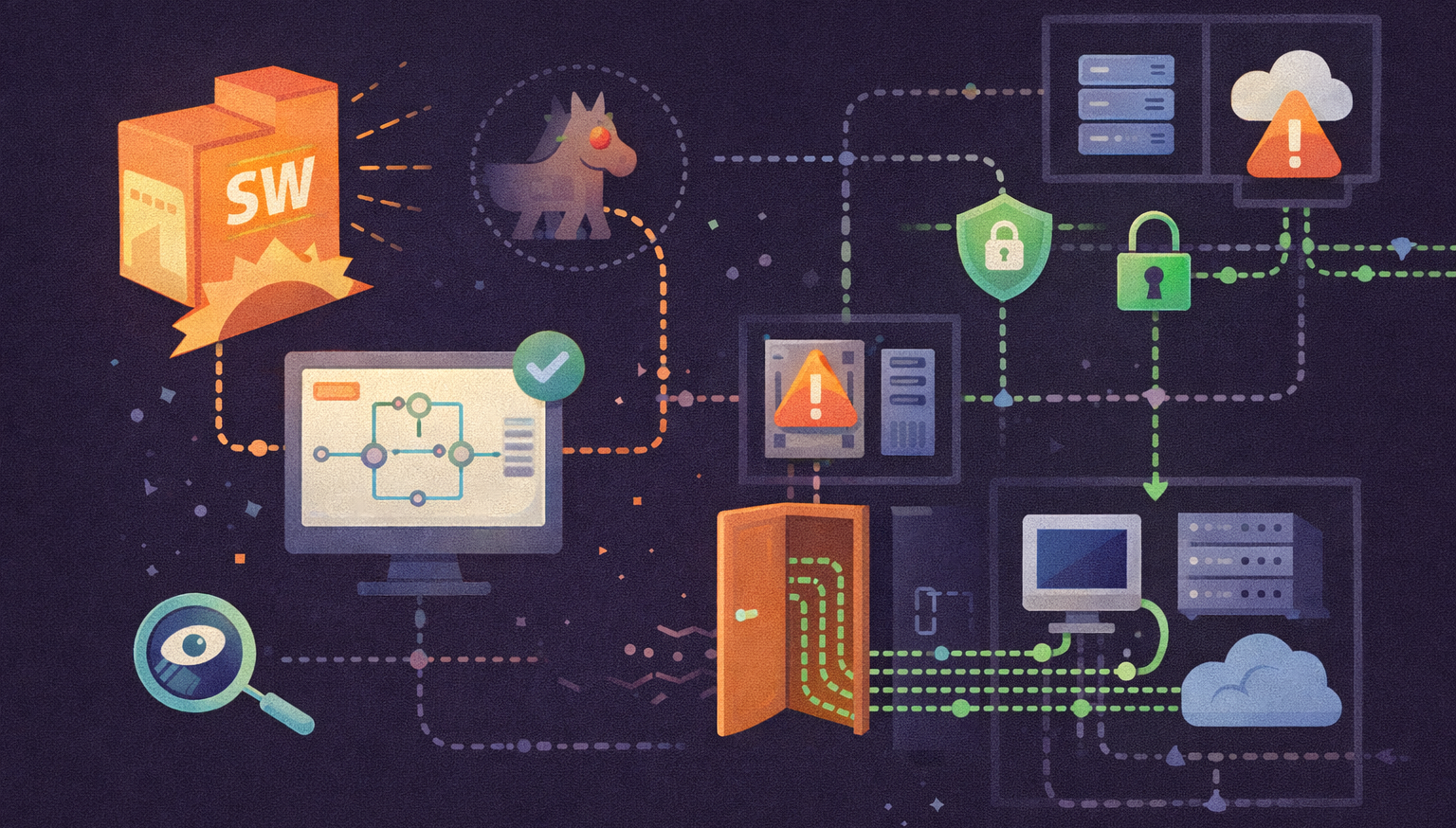
How it works: A company you don't directly use, maybe a payment processor, data broker, or vendor your bank works with, is hacked. Millions of credit card records are stolen, including yours, because of someone else's weak security.
Why it's hard to prevent: You can't control how third parties secure data about you.
Prevention:
- Monitor your credit report and accounts actively. Early detection stops fraud quickly
- Enroll in credit monitoring services (often free after a breach)
- Place a fraud alert or credit freeze with the major credit bureaus (Equifax, Experian, TransUnion)
- Sign up for your card issuer's alert services (text/email for all transactions)
- Check your credit score regularly; a sudden dip can indicate fraud
- Keep receipts and match them to your statements
Scenario 8: Social Engineering and Vishing
How it works: A scammer calls pretending to be from your bank or credit card company. They reference real transactions or personal details and ask you to "verify" your card number, CVV, and expiration date.
Why it works: People trust phone calls more than emails.
Prevention:
- Banks never call asking for full card numbers or CVVs
- If you receive such a call, hang up and call your bank's official number from the back of your card
- Don't trust caller ID. It can be spoofed
- Don't give personal information over the phone unless you initiated the call
- Your CVV should never be asked for over the phone or stored by merchants
Scenario 9: Compromised Loyalty Programs and Rewards Apps
How it works: A retailer's loyalty program (Target Circle, Amazon Prime, Walmart+) is breached. Attackers access linked payment methods, purchase history, and personal data.
Why it's increasing: Loyalty programs collect massive amounts of personal and financial data to make them attractive targets.
Prevention:
- Use separate payment methods for loyalty programs and regular shopping
- Don't link your primary credit card to loyalty apps. Use a secondary card or most preferable, a digital wallet with a virtual card number when possible
- Use strong, unique passwords for all loyalty accounts
- Monitor linked payment methods and remove old cards regularly
- Read privacy policies to understand what data is collected
- Opt out of data sharing if available
Scenario 10: Synthetic Identity Fraud and New Account Fraud
How it works: Thieves use stolen credit card info (along with other stolen data) to open new accounts in your name or create fake identities. They may apply for lines of credit, make large purchases, and disappear.
Why it's evolving: With AI and stolen data, creating convincing fake identities is easier than ever.
Prevention:
- Place a credit freeze with all three bureaus (Equifax, Experian, TransUnion). Leave it that way unless you know you have a valid credit check that will happen. This will prevent anyone from opening a card.
- Check your credit report regularly for accounts you didn't open
- Monitor for new credit inquiries in your name
- Set up credit monitoring alerts
- Consider an identity theft protection service
- Keep your SSN private, DON'T carry it in your wallet
What to Do If Your Card Is Stolen
- Call your card issuer immediately or report it stolen on your bank's website/app to freeze it and request a new card (use the number on your card or your statement, not a number from email)
- Review unauthorized charges and dispute them (you're usually liable for $0-$50)
- Monitor your credit for months afterward (or just have it frozen)
- File an identity theft report at IdentityTheft.gov if identity fraud is involved
- Check your credit report for fraudulent accounts
The Bottom Line
Credit card theft in 2026 is more sophisticated, but so are your protections. The best defense is:
- Vigilance: Monitor your statements and credit actively
- Skepticism: Question unusual requests and unsolicited contact
- Layered security: Use unique passwords, 2FA, virtual card numbers, and contactless payments
- Quick action: The faster you catch fraud, the easier it is to resolve
You can't control every breach or scam attempt, but you can control how exposed your card is and how quickly you respond. Stay alert, stay skeptical, and stay secure.
References
- Federal Trade Commission (FTC) – "Credit Card Fraud"
- Consumer Reports – "How to Protect Your Credit Cards"
- Experian – "Credit Card Fraud Prevention"
- Identity Theft Resource Center – "Credit Card Fraud Statistics"