Shopping Safely on Facebook Marketplace and Other Online Local Marketplaces

What it Feels Like
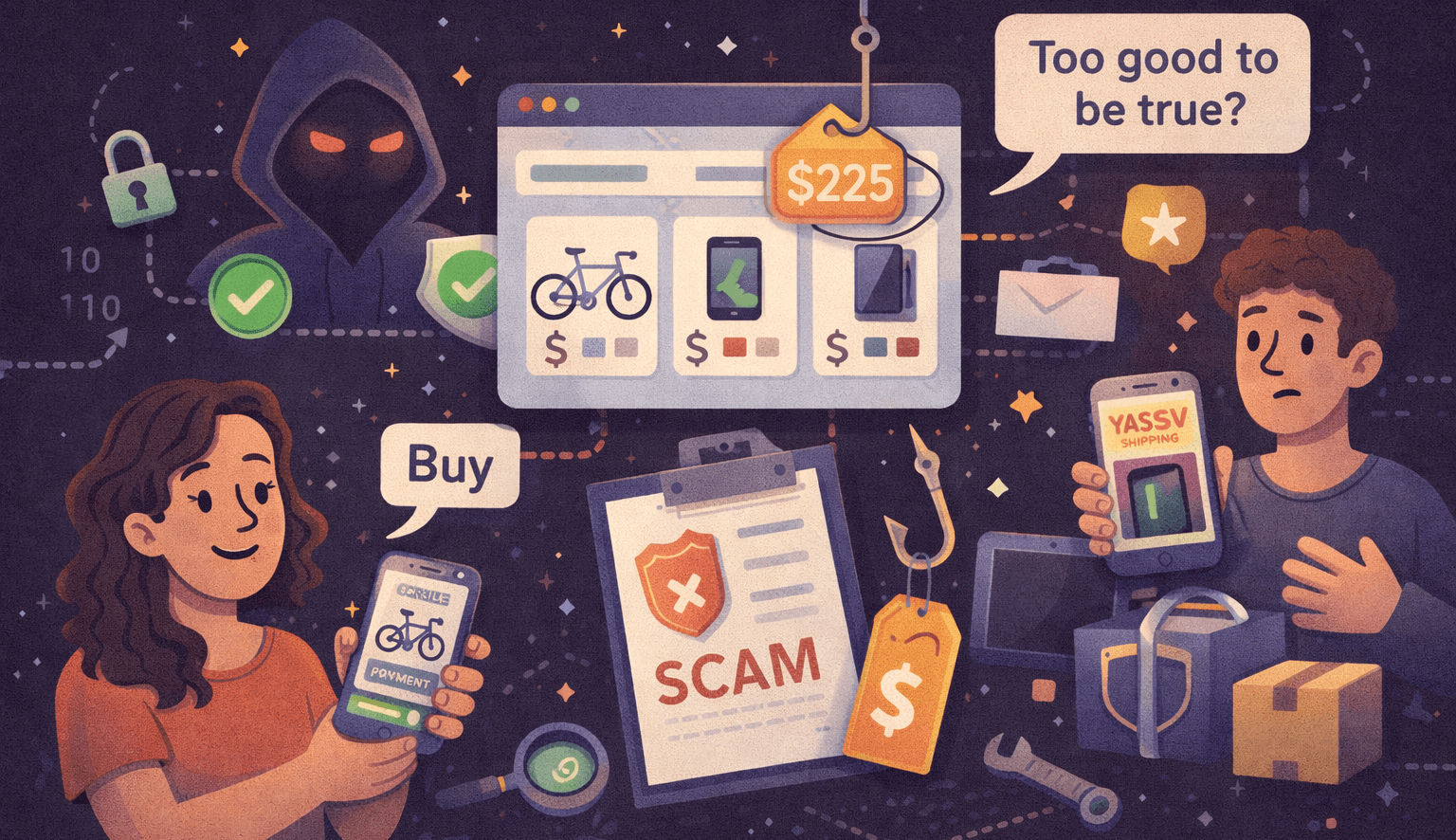
You see a great deal on Facebook Marketplace: a nearly new gaming console at half the price. You message the seller, they reply fast, and the price is a steal. They ask for cash, or for you to "pay now" to hold it. The listing looks legitimate. There are photos, is nearby, the seller is friendly. You go to meet them and the item is either fake, broken, or never appears.
Sound familiar? Millions of people buy and sell secondhand items locally every week. Most transactions are fine, but the few that go wrong can be costly and unsettling.
Common Scams on Local Marketplaces
- Price-too-good-to-be-true listings
- Scammers reuse photos and post large discounts to lure buyers.
- Non-local or fake listings
- Photos and addresses are stolen; the seller refuses to meet in person.
- Payment scams (overpayment, fake payment screenshots)
- Buyer "overpays" and asks for refund of the excess via a cash app; original payment was fake.
- This can happen on all the common payment apps (Venmo, Zelle, CashApp, Paypal, etc.). Never "send money back" to a seller because it is almost certainly a scam.
- Fake delivery
- There may be a large item that the seller says they will deliver only after you send a delivery fee, but they never show up.
- Item switch or counterfeit goods
- The item delivered is not what was advertised or is a counterfeit.
- Seller disappears after payment
- The buyer sends money and the seller stops responding.
- Phishing links and malicious attachments
- Messages that include links that capture credentials or install malware.
- Shipping scams for "local" sales
- Seller requests payment and then ships nothing, or the item is returned with a different (broken) item.
Red Flags to Watch For
- Very low price compared to market value
- Pressure to transact immediately or off-platform
- Seller refuses to meet in person or meet in a public place
- Requests for wire transfers, gift cards, or cryptocurrency
- Unwillingness to show the item working or provide serial numbers
- Generic or new accounts with few friends/ratings
- Poor grammar or inconsistent messaging
- Requests to use a specific payment app and then send a screenshot
Best Practices for Safe Local Buying and Selling
Meet in Public, Busy Places
- Choose well-lit, populated locations (police stations often have "exchange zones")
- Bring a friend when possible
Pay Safely
- Prefer cash for in-person pickup (inspect first)
- Use buyer/seller protections when available (platform escrow, PayPal Goods & Services)
- Avoid wire transfers, gift cards, and Western Union
Verify Identity & Listing
- Check seller profile, ratings, and how long the account has existed
- If the account is new and has no friends it is very likely a scammer. If you proceed, do so very cautiously and DO NOT send or give any money until you have met in person and have inspected the item.
- Reverse-image-search listing photos to detect reposted/fake listings
Use Platform Tools
- Keep conversations inside the marketplace app when possible
- Use in-app payment or verified payment flows if offered
- Like said before, any money sending app you are used to should be okay if buyer and seller agrees, but only make one payment to the buyer and NEVER sendmoney because of any type of "overpayment."
- Report suspicious users to the platform
For Sellers: Reduce Your Risk
- Meet in public and bring ID if requested
- Prefer cash; Or a trusted money sending app
- Keep records of messages and transaction details
- Mark items as sold in the listing promptly
What to Do If Something Goes Wrong
- Stop communicating with the user and report them to the platform
- If you paid, contact your payment provider immediately and dispute the charge
- If you met someone and felt threatened, contact local law enforcement and provide evidence
- Preserve messages, screenshots, and transaction details for investigations
What Marketplaces and Companies Are Doing to Improve Safety
All of the below have been very useful improvements in recent years. Utilize them when you can!
- Verified accounts and identity checks
- In-app payments with buyer protection
- Seller ratings and history visibility
- Photo verification and reverse-image tools
- Safer exchange programs (police station exchange spots)
- Education pages and in-app warnings about common scams
Looking Ahead: Emerging Risks and Protections
- Deepfakes and AI-generated listings: expect more convincing fake photos and videos
- Social engineering via chatbots that move victims off-platform
- More secure in-app verification, eKYC for high-value sellers
Final Tips
- If it feels off, walk away. Trust your instincts.
- Use public meeting spots and inspect before paying.
- Keep communication on-platform and document everything.
- Treat very cheap deals with suspicion and verify thoroughly.
Staying safe on Facebook Marketplace, Craigslist, OfferUp, or eBay is mostly about simple precautions, skepticism, and using the protections platforms provide. With a few smart habits, most secondhand shopping is low-risk and rewarding.
References
- Federal Trade Commission (FTC) – "Online Shopping and Negative Reviews"
- Better Business Bureau (BBB) – "Online Marketplace Scams"
- Consumer Reports – "How to Avoid Scams on Facebook Marketplace"
- Federal Communications Commission (FCC) – "Consumer Guide to Online Marketplaces"